To adjust your notification settings, click on the Bell icon on the top right of your screen anywhere in the app.

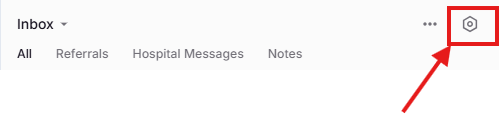
Once in the Inbox click the Gear icon on the top right.
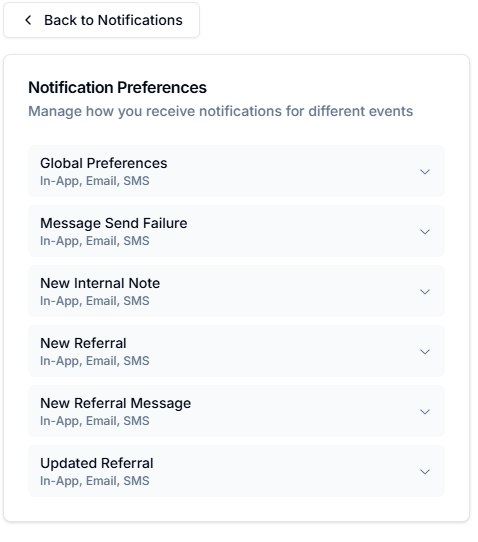
Once you’ve clicked the gear, you can adjust your notification to turn on or off notification either globally or by type. Within each menu, you can select settings for one or more facilities.